Why JSON Formatting Matters
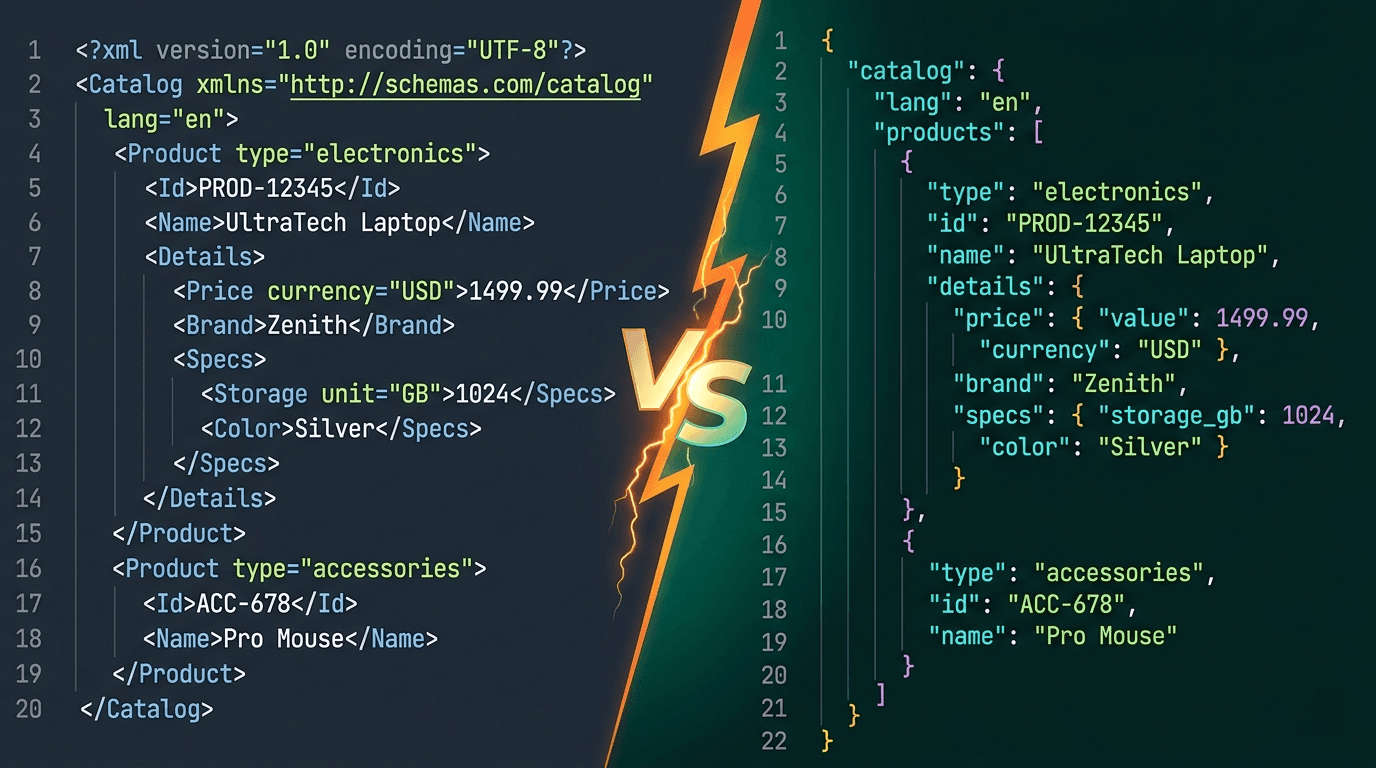
JSON (JavaScript Object Notation) has become the standard data interchange format for web APIs, configuration files, and data storage. While machines can parse minified JSON without issue, developers need properly formatted JSON to read, debug, and maintain their code.
Poorly formatted JSON leads to:
- Harder debugging — Finding a missing comma or bracket in minified JSON is nearly impossible.
- Slower code reviews — Reviewers spend extra time parsing dense, unreadable data structures.
- More bugs — Mismatched brackets, trailing commas, and missing quotes slip through unnoticed.
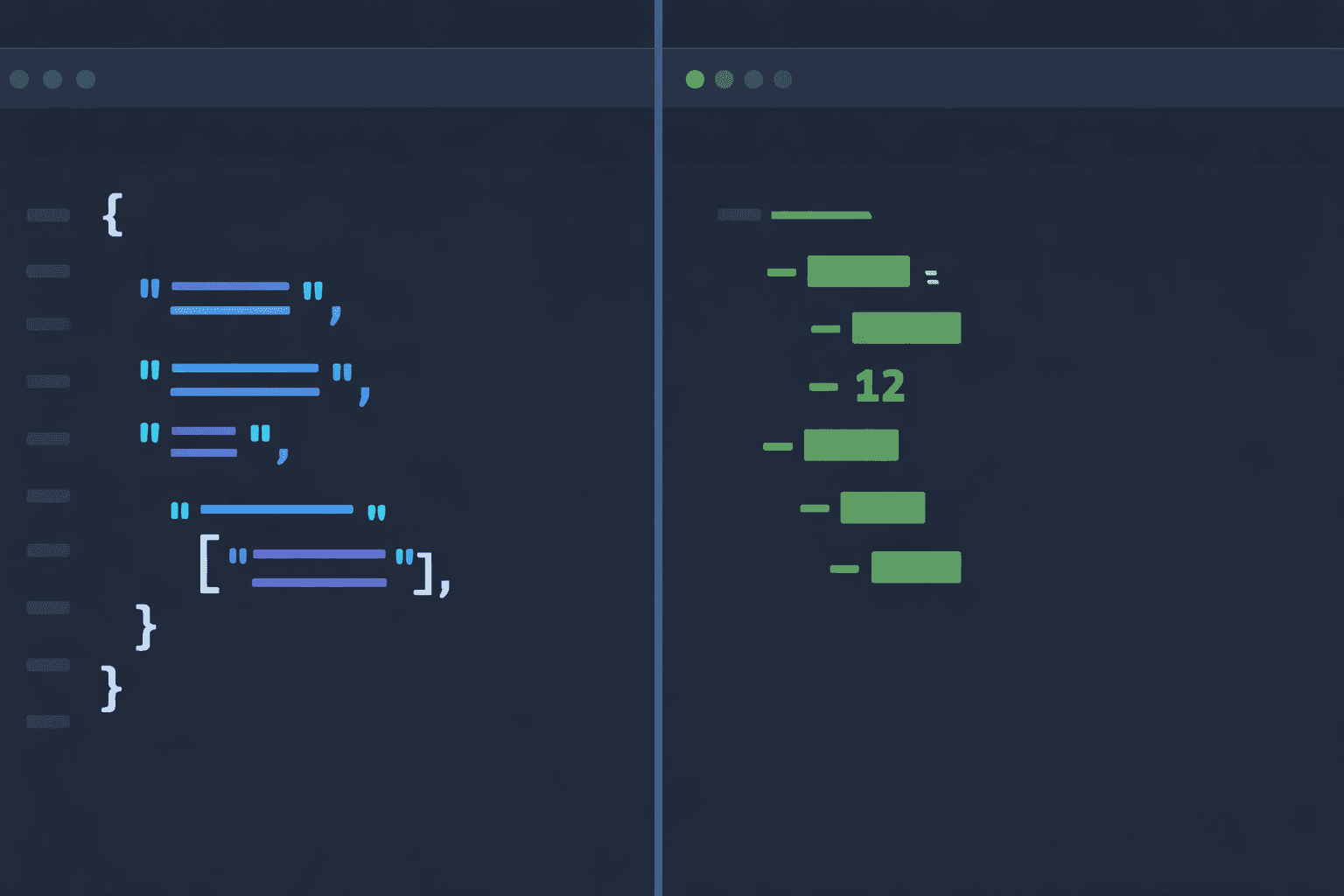
A good JSON formatter transforms compact, unreadable JSON into clean, indented, and color-coded output that's easy to scan and understand.
JSON Syntax Rules You Must Know
JSON has strict syntax rules. Understanding them prevents common errors:
1. Keys Must Be Strings in Double Quotes
Unlike JavaScript objects, JSON keys must always be wrapped in double quotes. Single quotes are not valid.
2. No Trailing Commas
JSON does not allow a comma after the last element in an array or object. This is one of the most common JSON errors.
3. Supported Data Types
JSON supports: strings, numbers, booleans (true/false), null, objects, and arrays. It does not support undefined, functions, dates, or comments.
4. Strings Must Use Double Quotes
All string values must use double quotes. Single quotes will cause a parsing error.
5. No Comments
Standard JSON does not support comments. If you need comments in configuration, consider JSONC or JSON5 formats.
Common JSON Errors and How to Fix Them
Here are the most frequent JSON errors developers encounter:
Missing or Extra Commas
A missing comma between key-value pairs or an extra trailing comma will break JSON parsing. Use a JSON formatter to quickly spot these issues.
Unescaped Special Characters
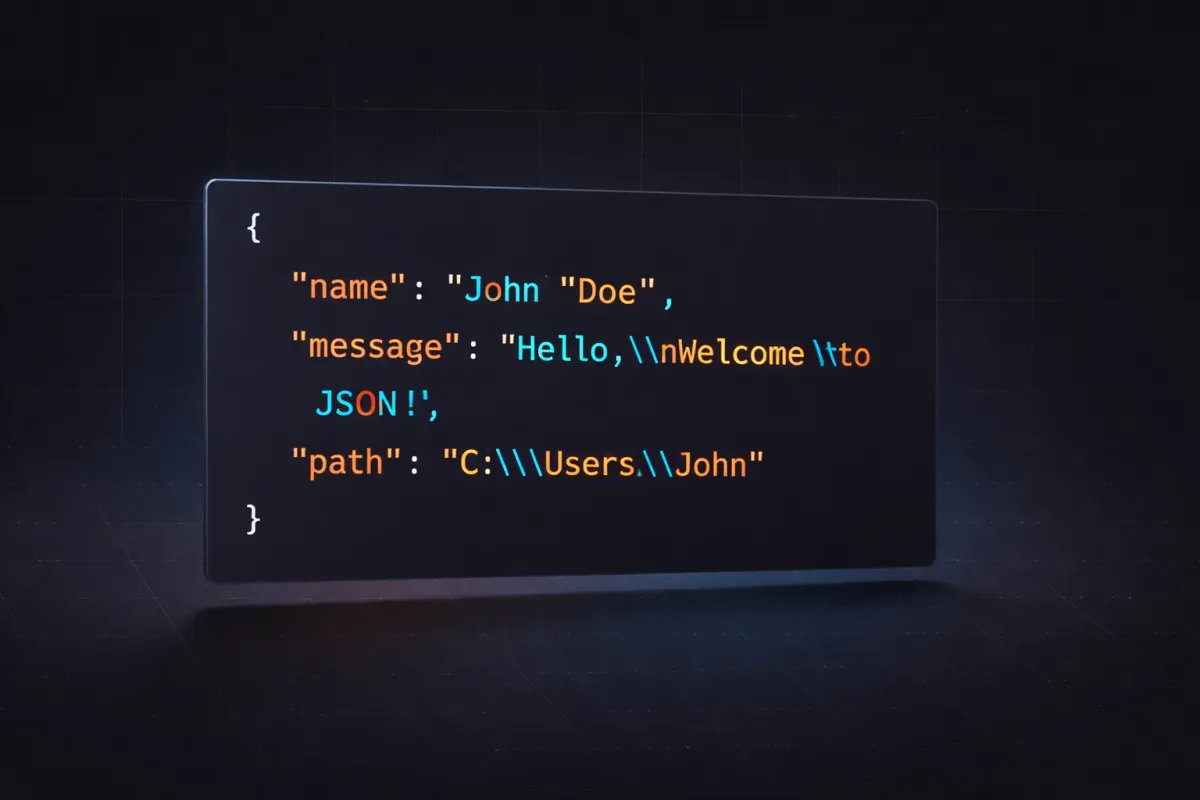
Characters like backslash (\\), double quotes ("), newlines, and tabs must be escaped within strings. Unescaped characters cause parse failures.
Incorrect Nesting
Mismatched curly braces {} or square brackets [] create invalid JSON. A formatter with bracket matching helps identify nesting issues.
Using Single Quotes
Single quotes are valid in JavaScript but not in JSON. Replace all single quotes with double quotes.
Numbers with Leading Zeros
JSON numbers cannot have leading zeros (e.g., 007 is invalid). Use 7 instead, or encode it as a string "007" if the leading zeros matter.
Best Practices for Working with JSON
Follow these practices for clean, maintainable JSON:
Use Consistent Indentation
2 or 4 spaces are the most common choices. Pick one and stick with it across your project.
Validate Before Sending
Always validate JSON before sending it to an API. Invalid JSON causes silent failures that are difficult to debug.
Keep Structures Flat When Possible
Deeply nested JSON is hard to read and work with. Flatten structures when the nesting doesn't add meaningful value.
Use Descriptive Key Names
Choose clear, descriptive key names over abbreviations. "firstName" is better than "fn" for long-term maintainability.
Minify for Production
While formatted JSON is great for development, always minify JSON in production to reduce payload size and improve performance.
How to Format JSON Online Instantly
DevPik's free JSON Formatter tool lets you paste any JSON string and instantly get beautifully formatted, syntax-highlighted output.
Features include:
- Auto-indentation with customizable spacing
- Syntax error detection with line numbers
- Minify and beautify toggle
- Copy formatted output with one click
All processing happens in your browser — your data never leaves your machine. This makes it safe to format even sensitive API responses and configuration files.