What Is WebMCP?
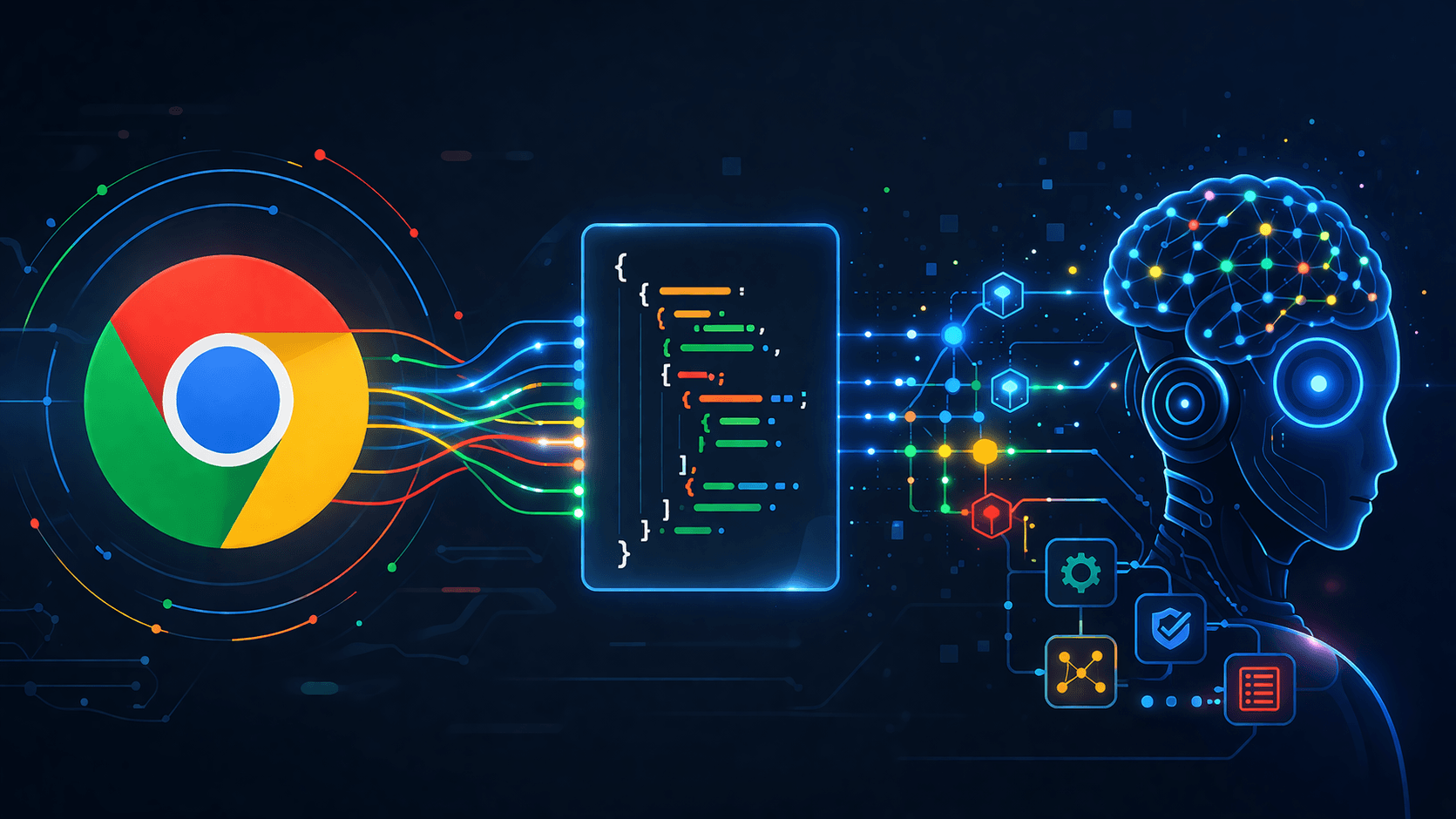
WebMCP (Web Model Context Protocol) is a proposed web standard that lets websites expose structured tools directly to in-browser AI agents. Released as a W3C Draft Community Group Report on February 10, 2026, and now available as an early preview in Chrome 146 Canary, WebMCP fundamentally changes how AI agents interact with the web.
The problem WebMCP solves:
Today, AI agents interact with websites by taking screenshots, processing them with vision models, guessing what buttons do, and trying to click in the right places. This approach is slow (thousands of tokens per screenshot), expensive, fragile (breaks when UI changes), and unreliable.
WebMCP replaces this with a direct contract: the website tells the agent "here are the things I can do, here are the parameters I need, and here is how you can use them." The agent calls structured functions instead of trying to navigate a visual interface.
Think of it like USB-C for AI agent interactions with the web — a universal, standardized connection that replaces the chaos of custom adapters.
WebMCP introduces a browser-native API called navigator.modelContext, which lets websites register their features as organized, callable tools. Instead of an agent taking a screenshot and sending it to a vision model, a WebMCP-enabled website simply exposes a typed schema that any compatible agent can call directly.
How WebMCP Works: The Two APIs
WebMCP provides two complementary ways for websites to expose tools to AI agents: a Declarative API using HTML form attributes for simple cases, and an Imperative API using JavaScript for complex interactions.
Both approaches produce identical tool registrations — the agent sees the same schema regardless of which API the website used. Choose based on complexity: if it maps to a form, use declarative; if it needs application state or logic, use imperative.
Declarative API: HTML Form Attributes
The Declarative API is the simplest way to make your website agent-ready. Just add two attributes to an existing HTML form, and the browser automatically generates a tool schema that agents can discover and call.
<form
  toolname="product_search"
  tooldescription="Searches for products in the catalog by keyword, category, or price range"
  action="/search"
>
  <label for="query">Search</label>
  <input
    type="text"
    name="query"
    toolparamtitle="Search Query"
    toolparamdescription="The product name or keyword to search for"
  />
  <select name="category">
    <option value="electronics">Electronics</option>
    <option value="clothing">Clothing</option>
    <option value="books">Books</option>
  </select>
  <button type="submit">Search</button>
</form>
Key attributes:
- toolname (required) — A stable identifier agents use to call the action
- tooldescription (required) — A natural language description of what the tool does. Agents rely on this to decide whether and when to invoke it
- toolparamtitle / toolparamdescription — Machine-readable documentation for input fields
- toolautosubmit (optional) — If set, the form can be submitted automatically without user confirmation
If either toolname or tooldescription is missing, the browser will not register the form as a tool.
How it works under the hood:
1. The browser scans the page for forms with toolname attributes
2. It automatically generates a structured tool schema from the form fields (input names, types, select options)
3. When an AI agent discovers the page, it sees the tool with its schema
4. The agent fills in the fields programmatically and submits the form
5. By default, the user still sees the filled form and clicks Submit (human-in-the-loop)
The declarative approach is perfect for search forms, contact forms, signup forms, and any interaction that already maps cleanly to an HTML form.
Imperative API: JavaScript Tool Registration
The Imperative API uses navigator.modelContext.registerTool() for complex interactions that need application state, conditional logic, or dynamic behavior.
// Always check for WebMCP support first
if (navigator.modelContext) {
  navigator.modelContext.registerTool({
    name: "add_to_cart",
    description: "Adds a product to the shopping cart by name",
    inputSchema: {
      type: "object",
      properties: {
        productName: {
          type: "string",
          description: "The name of the product (e.g., 'MacBook Pro')"
        },
        quantity: {
          type: "number",
          description: "Number of items to add (default: 1)"
        }
      },
      required: ["productName"]
    },
    execute: async ({ productName, quantity = 1 }) => {
      const product = catalog.find(
        p => p.name.toLowerCase() === productName.toLowerCase()
      );

      if (product) {
        addToCart(product, quantity);
        return {
          content: [{
            type: "text",
            text: `Added ${quantity}x ${product.name} to cart. Total: $${product.price * quantity}`
          }]
        };
      }

      return {
        content: [{
          type: "text",
          text: `Product "${productName}" not found in catalog.`
        }]
      };
    }
  });
}
The `navigator.modelContext` API provides:
- registerTool(config) — Register a single tool
- unregisterTool(name) — Remove a tool by name
- provideContext() — Replace the entire toolset
- clearContext() — Remove all tools
Tools require four properties:
1. name — Unique identifier
2. description — What the tool does (be specific: "Search the product catalog by keyword and category" beats "Search products")
3. inputSchema — JSON Schema defining parameters
4. execute — Async function that performs the action and returns results
State-aware tool registration (React example):
useEffect(() => {
  // Only register checkout tool when cart has items
  if (cartItems.length > 0) {
    registerAgentTool({
      name: "checkout_cart",
      description: "Completes the purchase for all items in the cart",
      inputSchema: { type: "object", properties: {} },
      execute: async () => {
        await processCheckout();
        return {
          content: [{ type: "text", text: "Order placed successfully." }]
        };
      }
    });
  }
  return () => unregisterAgentTool("checkout_cart");
}, [cartItems.length]);
This pattern ensures agents can only call tools when the UI state allows it — preventing invalid operations like checking out an empty cart.
How to Try WebMCP Today
WebMCP is available right now in Chrome Canary. Here is how to set it up step by step:
Step 1: Download Chrome Canary
Download Chrome Canary (version 146.0.7672.0 or higher) from the official Chrome release channels. The stable, Beta, and Dev channels do not include the WebMCP flag.
Step 2: Enable the WebMCP Flag
1. Open Chrome Canary
2. Navigate to chrome://flags
3. Search for "WebMCP for testing" (or "Experimental Web Platform Features")
4. Set it to Enabled
5. Relaunch the browser
Step 3: Join the Early Preview Program
For access to full documentation, demos, and API updates, join the Chrome Early Preview Program at developer.chrome.com/docs/ai/join-epp.
Step 4: Add WebMCP to an Existing Form
The fastest way to test is adding toolname and tooldescription to any existing form on your site:
<!-- Before: regular form -->
<form action="/search">
  <input name="q" type="text" />
  <button type="submit">Search</button>
</form>

<!-- After: agent-ready form -->
<form action="/search" toolname="site_search" tooldescription="Search the website for articles and tools">
  <input name="q" type="text" toolparamdescription="Search query keywords" />
  <button type="submit">Search</button>
</form>
Step 5: Verify Registration
Open Chrome DevTools and check that your tools appear in the browser's tool discovery mechanism. Verify the schema is correct and the description is clear.
Step 6: Test with an AI Agent
Test with an AI agent that supports WebMCP to verify the end-to-end flow works correctly.
Agent-Aware Events and CSS Signals
WebMCP also introduces browser events and CSS pseudo-classes for detecting and styling agent interactions:
Events:
- SubmitEvent.agentInvoked — Detect when a form submission was initiated by an AI agent rather than a human user
- SubmitEvent.respondWith(Promise) — Return structured results directly to the agent model
- toolactivated — Fired when an agent activates a tool
- toolcancel — Fired when an agent cancels a tool interaction
CSS Pseudo-classes:
- :tool-form-active — Matches forms currently being interacted with by an agent
- :tool-submit-active — Matches submit buttons during agent-initiated submissions
These signals let you provide visual feedback to users when an AI agent is interacting with the page — for example, highlighting the form being filled or showing a "bot is typing" indicator:
form:tool-form-active {
  outline: 2px solid #4285f4;
  background: rgba(66, 133, 244, 0.05);
}

button:tool-submit-active {
  opacity: 0.7;
  cursor: wait;
}
Real-World Use Cases
WebMCP enables practical AI agent workflows across multiple industries:
E-Commerce:
Instead of an agent taking 20 screenshots to find, compare, and purchase a product, it calls search_products(query="wireless headphones", max_price=100) → get_product_details(id="SKU123") → add_to_cart(product_id="SKU123", quantity=1). Three structured function calls instead of dozens of screenshots.
Travel Booking:
An agent searching for flights calls search_flights(from="SFO", to="JFK", date="2026-05-15") directly instead of navigating through date pickers, dropdown menus, and calendar widgets visually. Faster, more reliable, and significantly cheaper in compute.
Customer Support:
A support agent calls submit_ticket(category="billing", description="...", priority="high") and check_ticket_status(ticket_id="T-12345") — structured interactions that replace the tedious process of filling out forms field by field through visual interaction.
Form-Heavy Websites:
Any website with forms — registration, applications, surveys, configuration — becomes instantly agent-callable with just two HTML attributes. Government forms, healthcare intake, insurance applications — all become structured tool calls.
Developer Tools:
At DevPik, our 30+ developer tools run client-side in the browser. We are exploring adding WebMCP support so AI agents can use tools like our JSON formatter, regex tester, and base64 encoder directly through structured function calls.
WebMCP vs Current AI Agent Approaches
Here is how WebMCP compares to existing methods AI agents use to interact with websites:
| Approach | How It Works | Token Cost | Reliability | Speed |
|---|---|---|---|---|
| Screenshot-based (Claude Computer Use, GPT-4V) | Takes screenshots, processes with vision model, clicks coordinates | Very high (thousands of tokens per screenshot) | Low — breaks when UI changes | Slow |
| DOM scraping | Parses raw HTML, extracts interactive elements | Medium | Medium — DOM is complex and unpredictable | Medium |
| Browser automation (Playwright, Puppeteer) | Programmatic control via selectors | Low | Medium — selectors break with UI changes | Fast |
| WebMCP Declarative | Website exposes HTML form as typed tool | Very low | High — explicit contract between site and agent | Very fast |
| WebMCP Imperative | Website registers JS functions with schemas | Very low | Very high — typed schema with validation | Very fast |
The key insight is that WebMCP shifts the burden of understanding from the agent to the website. Instead of the agent figuring out what a website can do, the website declares its capabilities explicitly. This reduces computational overhead by an estimated 67% compared to visual agent-browser interactions.
The Three Pillars: Context, Capabilities, Coordination
WebMCP is built on three core design pillars:
1. Context
Context is the data agents need to understand the user's current state. WebMCP gives agents access to live session data, page state, and structured metadata — not just raw HTML. This means an agent knows you're on a product page, what's in your cart, and whether you're logged in.
2. Capabilities
Capabilities are the actions agents can take — the tools themselves. Both the declarative and imperative APIs define capabilities with typed schemas, clear descriptions, and structured input/output contracts. Agents know exactly what they can do and what parameters they need.
3. Coordination
Coordination is the handoff between user and agent — the human-in-the-loop design. By default, WebMCP requires user confirmation for actions. The agent can fill out a form, but the user clicks Submit. The toolautosubmit attribute allows opting into automatic execution for low-risk actions, but the default is always safe.
This three-pillar design ensures WebMCP interactions are contextual (agents understand state), structured (agents call typed functions), and safe (humans stay in control).
WebMCP vs MCP: Understanding the Difference
WebMCP and MCP (Model Context Protocol, created by Anthropic) are complementary technologies, not competitors:
| Aspect | MCP | WebMCP |
|---|---|---|
| Scope | Backend / server-side | Frontend / browser-only |
| Lifecycle | Persistent (server daemon) | Ephemeral (tab-bound) |
| Implementation | Language-specific SDKs (Python, TypeScript, Rust) using JSON-RPC | JavaScript APIs or HTML attributes |
| UI interaction | Headless and external | Browser-integrated and DOM-aware |
| Access scope | Global across platforms | Specific to the browser environment |
| Use case | Connecting AI models to databases, APIs, services | Making websites interactive for in-browser agents |
MCP is the universal backend protocol — it connects AI models to external tools, databases, and services across any platform. It runs server-side and is available at any time.
WebMCP is the browser frontend protocol — it lets websites expose their UI capabilities as structured tools for in-browser AI agents. It runs in the browser tab and has access to DOM, cookies, and session state.
They work together:
Use MCP for foundational business logic and data management (connecting your AI to databases, APIs, and backend services). Layer WebMCP on top for real-time, browser-based agent interactions with your website's UI. MCP handles the backend, WebMCP handles the frontend.
Security and Privacy
WebMCP includes robust security features built into the specification:
- Same-Origin Policy: Tools inherit the origin security boundary of their hosting page, preventing cross-origin attacks
- Content Security Policy (CSP): WebMCP APIs respect CSP directives, maintaining consistent security posture
- HTTPS Required: The API is only available in secure contexts — no HTTP support
- Human-in-the-Loop: The core design principle. By default, users must confirm actions. Only explicitly marked low-risk tools can auto-submit
- Visible Browsing Context: Tool calls require a visible tab or webview — no headless mode support, preventing silent background abuse
- Website Control: Websites explicitly choose what to expose. No tool is registered without the website author adding the attributes or calling the API
These security layers ensure that WebMCP cannot be exploited by malicious agents — the website is always in control of what capabilities are exposed, and the user is always in control of what actions are taken.
What This Means for Web Developers
If you build websites, WebMCP is something to start thinking about now:
Start simple with the Declarative API. Adding toolname and tooldescription to your existing forms takes minutes and makes your site immediately agent-discoverable. No JavaScript required.
This is being standardized. WebMCP is a W3C Draft Community Group Report under the Web Machine Learning Community Group. Google authored it, Microsoft is co-developing it. This is not a proprietary experiment — it is heading toward a web standard.
Edge support is coming. Microsoft's involvement means Edge browser support is expected. Both Chromium-based browsers will support WebMCP, covering the vast majority of desktop browser usage.
Early adopters will have an advantage. When AI agents become mainstream tools for everyday web browsing, websites that are already agent-ready will provide a dramatically better experience than those requiring screenshot-based interaction.
It does not replace your existing site. WebMCP adds a layer on top of your current website. Human users see and use the same forms as always. Agent users get a structured interface. Both work simultaneously.
Progressive enhancement. If a browser does not support WebMCP, the extra attributes are simply ignored. Your forms continue working normally for all users. There is zero downside to adding WebMCP attributes today.
Limitations and What Is Coming
WebMCP is still early. Here is what to know about current limitations:
Current limitations:
- Chrome Canary only — not available in Chrome stable, Beta, or Dev channels
- No other browsers yet (Edge support expected in H2 2026)
- The W3C specification is still in incubation — details may change
- Requires a visible browsing context — no headless mode
- Limited tooling and debugging support so far
What is expected:
- Broader Chrome rollout through 2026
- Microsoft Edge support (Microsoft is co-authoring the spec)
- More AI agents and assistants adding WebMCP support
- Developer tools integration in Chrome DevTools
- Richer schema support and validation
- Community adoption driving best practices and patterns
The specification is moving through the W3C Web Machine Learning Community Group. Given Google and Microsoft's joint backing, WebMCP is likely to become a lasting web standard rather than a short-lived experiment.
Get Started with WebMCP
WebMCP represents a fundamental shift in how AI agents will interact with the web. The move from screenshot-based guessing to structured function calls is as significant as the shift from table-based layouts to semantic HTML.
For developers, the action items are clear:
1. Add `toolname` and `tooldescription` to your most important forms — this takes minutes
2. Try the imperative API for complex interactions that need application state
3. Download Chrome Canary and test with the WebMCP flag enabled
4. Follow the W3C specification progress for updates
At DevPik, we are building tools that work for both humans and AI agents. All our 30+ developer tools run client-side in the browser — and we are exploring adding WebMCP support so AI agents can use our JSON formatter, regex tester, and other tools directly through structured calls. Try our tools at devpik.com.