What Are JSON Escape Characters?
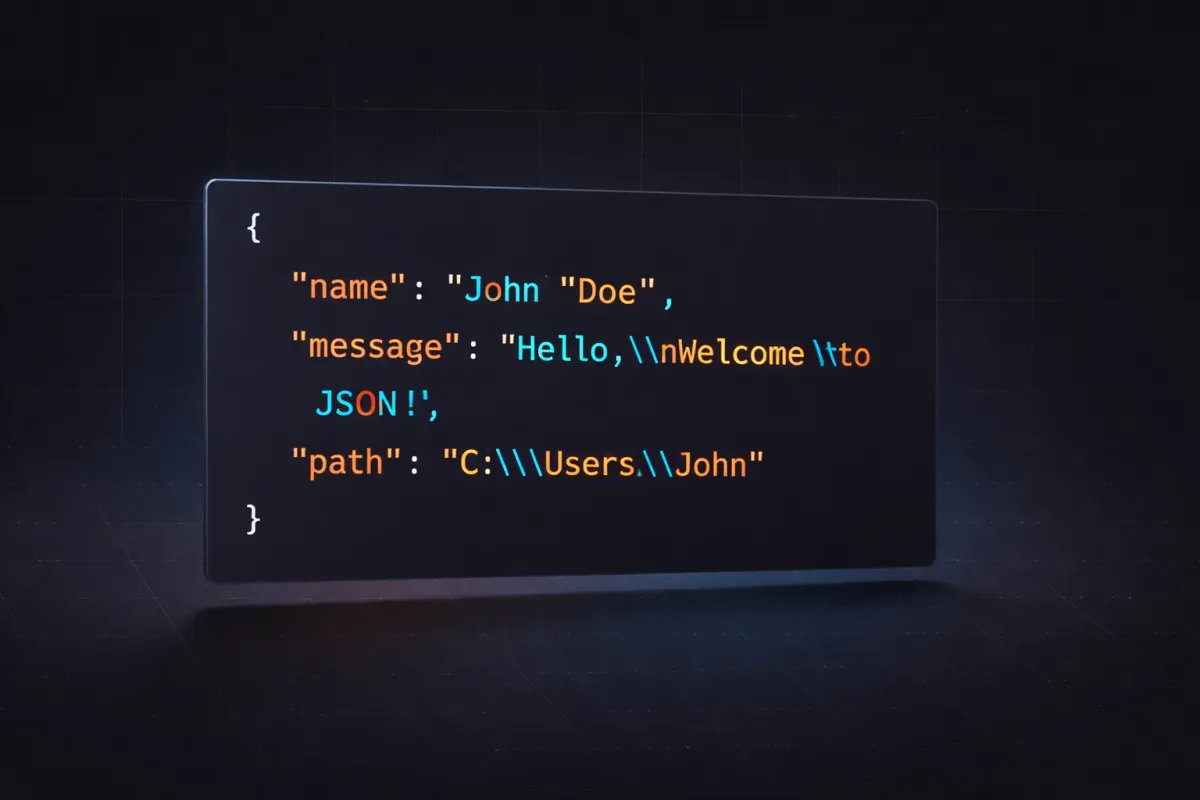
JSON escape characters are special sequences that represent characters which cannot appear directly inside a JSON string value. According to the JSON specification (RFC 8259), every string in JSON is enclosed in double quotes, and certain characters within those quotes must be escaped with a backslash (\) prefix to avoid breaking the JSON syntax.
Without proper escaping, characters like double quotes, backslashes, and control characters (newlines, tabs) would cause JSON parsers to throw syntax errors. Understanding JSON escape characters is essential for any developer who works with APIs, configuration files, databases, or any system that exchanges JSON data.
Complete List of JSON Escape Characters
Here is the full list of escape sequences defined by the JSON specification:
| Escape Sequence | Character | Description |
|---|---|---|
\" | " | Double quote |
\\ | \ | Backslash |
\/ | / | Forward slash (optional) |
\b | Backspace | ASCII 0x08 |
\f | Form feed | ASCII 0x0C |
\n | Newline | Line feed, ASCII 0x0A |
\r | Carriage return | ASCII 0x0D |
\t | Tab | Horizontal tab, ASCII 0x09 |
\uXXXX | Unicode | Any Unicode character by hex code point |
Key rules to remember:
- The double quote (\") and backslash (\\) are the only two characters that must always be escaped
- All control characters (U+0000 through U+001F) must be escaped, either using the named sequences above or the \uXXXX format
- The forward slash (\/) may be escaped but this is optional — most JSON libraries do not escape it by default
How to Escape Double Quotes in JSON
The double quote is the most commonly escaped character in JSON because it's also the string delimiter. To include a literal double quote inside a JSON string, prefix it with a backslash:
{
  "message": "He said \"hello\" to everyone"
}
Without the backslash, the parser would interpret the inner quote as the end of the string, resulting in a syntax error. This applies to every programming language — whether you're building JSON in JavaScript, Python, Java, or Go, the rule is the same inside the JSON output.
How to Escape Backslashes in JSON
Since the backslash (\) is the escape character itself in JSON, a literal backslash must be written as a double backslash (\\):
{
  "path": "C:\\Users\\dev\\project",
  "regex": "\\d+\\.\\d+"
}
This is one of the most common sources of confusion when working with JSON strings, especially for Windows file paths and regular expressions. If you forget to escape the backslash, the parser will try to interpret the next character as an escape sequence — and if it's not a valid one, you'll get an error.
Escaping Newlines, Tabs, and Control Characters
JSON strings cannot contain literal newline or tab characters. These must be replaced with their escape sequences:
- Newline →
\n - Tab →
\t - Carriage return →
\r
{
  "formatted": "Line 1\nLine 2\nLine 3",
  "table_data": "Name\tAge\tCity",
  "windows_line": "First line\r\nSecond line"
}
Other control characters like backspace (\b) and form feed (\f) are less common but still valid. Any control character not covered by a named escape can be represented using \uXXXX notation — for example, a null character is \u0000.
Unicode Escape Sequences in JSON
JSON supports Unicode escape sequences in the format \uXXXX, where XXXX is a four-digit hexadecimal code point. This allows you to represent any Unicode character:
{
  "copyright": "\u00A9 2026 DevPik",
  "emoji": "\uD83D\uDE00",
  "greek": "\u03B1\u03B2\u03B3"
}
For characters outside the Basic Multilingual Plane (code points above U+FFFF), JSON uses UTF-16 surrogate pairs — two \uXXXX sequences back-to-back. For example, the grinning face emoji (U+1F600) is encoded as \uD83D\uDE00.
While Unicode escapes are always valid, most modern JSON libraries will output the actual UTF-8 characters directly since JSON files are expected to be UTF-8 encoded.
JSON Escape in JavaScript
In JavaScript, the easiest way to properly escape a string for JSON is to use JSON.stringify():
const text = 'He said "hello"\nNew line here';
const escaped = JSON.stringify(text);
// Result: "He said \"hello\"\nNew line here"

// To get just the inner escaped string (without outer quotes):
const innerEscaped = JSON.stringify(text).slice(1, -1);
JSON.stringify() handles all escape characters automatically — double quotes, backslashes, newlines, tabs, and Unicode control characters. Never try to build JSON strings manually with string concatenation; always use the built-in serialization methods.
JSON Escape in Python
Python's json module provides the json.dumps() function for proper JSON escaping:
import json

text = 'He said "hello"\nNew line here'
escaped = json.dumps(text)
# Result: '"He said \\"hello\\"\\nNew line here"'

# For just the content without outer quotes:
inner = json.dumps(text)[1:-1]
The json.dumps() function with ensure_ascii=True (the default) will also escape any non-ASCII characters using \uXXXX notation. Set ensure_ascii=False to output UTF-8 characters directly.
Common Mistakes and Pitfalls
1. Single quotes are not valid JSON string delimiters
JSON only allows double quotes for strings. {'key': 'value'} is not valid JSON — it must be {"key": "value"}.
2. Forgetting to escape backslashes in file paths
A Windows path like C:\Users\file.txt must be "C:\\Users\\file.txt" in JSON. One of the most common parsing errors developers encounter.
3. Embedding raw newlines in JSON strings
If you copy multi-line text directly into a JSON string without replacing newlines with \n, the JSON will be invalid.
4. Double-escaping
When a JSON string passes through multiple systems (e.g., stored in a database, then served via API), each layer may add its own escaping. This leads to strings like \\\\"hello\\\\" — use a JSON unescape tool to debug these situations.
5. Not escaping user input
Always use your language's built-in JSON serialization when including user input in JSON. Manual string building is a recipe for injection vulnerabilities and parsing errors.
Try Our JSON Escape and Unescape Tools
Need to quickly escape or unescape JSON strings? DevPik offers free, instant online tools:
- JSON Escape — Paste raw text and get a properly escaped JSON string instantly. Handles all special characters including quotes, backslashes, newlines, tabs, and Unicode control characters.
- JSON Unescape — Convert escaped JSON strings back to readable text. Perfect for debugging API responses and log files.
- JSON Formatter — Format, validate, and beautify JSON data with syntax highlighting.
All tools run 100% in your browser — your data never leaves your device.