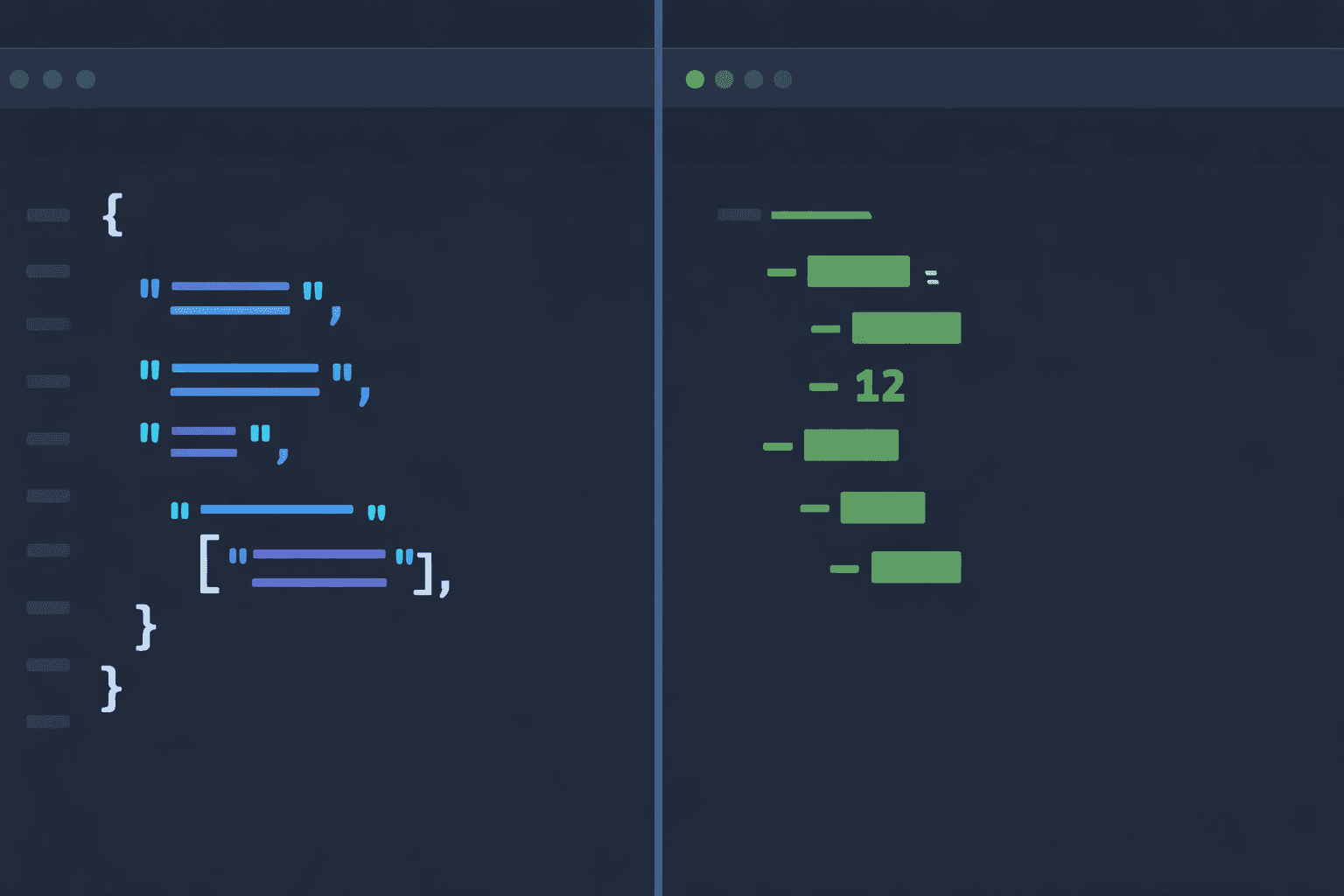
What Is JSON?
JSON (JavaScript Object Notation) is a lightweight data interchange format that is easy for humans to read and write, and easy for machines to parse and generate. Originally derived from JavaScript, JSON has become the universal standard for data exchange across virtually every programming language and platform.
JSON uses a strict syntax based on two structures:
- Objects: Key-value pairs enclosed in curly braces {}
- Arrays: Ordered lists of values enclosed in square brackets []
Here is a typical JSON example:
{
  "name": "DevPik",
  "version": "2.0.0",
  "features": ["JSON formatter", "YAML converter", "Base64 encoder"],
  "config": {
    "port": 3000,
    "debug": false
  }
}
JSON is the default format for REST APIs, browser storage (localStorage), package manifests (package.json), and most web-based data exchange. Its strict syntax makes it highly predictable and parseable, but also means every comma, quote, and bracket must be in the right place.
What Is YAML?
YAML (YAML Ain't Markup Language) is a human-friendly data serialization format designed for readability. Where JSON uses braces and brackets, YAML uses indentation and minimal punctuation to represent the same data structures.
Here is the same data from above in YAML:
name: DevPik
version: "2.0.0"
features:
  - JSON formatter
  - YAML converter
  - Base64 encoder
config:
  port: 3000
  debug: false
YAML is widely used for configuration files, including:
- Docker Compose (docker-compose.yml)
- Kubernetes manifests (deployment.yaml)
- GitHub Actions workflows (.github/workflows/*.yml)
- CI/CD pipelines (GitLab CI, CircleCI, Travis CI)
- Ansible playbooks
- Swagger/OpenAPI specifications
YAML supports features that JSON does not, such as comments, anchors and aliases (for reusing data), and multiline strings. These features make it especially suited for files that humans read and edit frequently.
JSON vs YAML: Side-by-Side Syntax Comparison
The best way to understand the difference between JSON and YAML is to see the same data represented in both formats side by side.
JSON:
{
  "server": {
    "host": "localhost",
    "port": 8080,
    "ssl": true,
    "allowed_origins": ["https://example.com", "https://api.example.com"],
    "database": {
      "driver": "postgres",
      "host": "db.example.com",
      "port": 5432,
      "name": "myapp",
      "pool_size": 10
    }
  },
  "logging": {
    "level": "info",
    "format": "json",
    "file": "/var/log/app.log"
  }
}
YAML:
# Server configuration
server:
  host: localhost
  port: 8080
  ssl: true
  allowed_origins:
    - https://example.com
    - https://api.example.com
  # Database settings
  database:
    driver: postgres
    host: db.example.com
    port: 5432
    name: myapp
    pool_size: 10

# Logging configuration
logging:
  level: info
  format: json
  file: /var/log/app.log
Notice how YAML eliminates the visual noise of braces, brackets, commas, and quotes, while comments add context that JSON simply cannot provide.
Key Differences Between JSON and YAML
Here is a comprehensive comparison of JSON and YAML across every important dimension:
| Feature | JSON | YAML | |
|---|---|---|---|
| Syntax | Braces {}, brackets [], commas | Indentation-based, minimal punctuation | |
| Comments | Not supported | Supported with # | |
| Data types | String, number, boolean, null, object, array | All JSON types plus dates, timestamps, binary | |
| Readability | Good for small data, noisy for large configs | Excellent — designed for human readability | |
| Strictness | Very strict — every quote and comma matters | More forgiving but indentation-sensitive | |
| File size | Larger due to braces, brackets, quotes | Smaller — less punctuation overhead | |
| Parsing speed | Very fast — simple grammar | Slower — complex grammar with multiple features | |
| Native JS support | Built-in JSON.parse() / JSON.stringify() | Requires library (js-yaml, yaml) | |
| Multiline strings | Only via \n escape sequences | Native support with ` | and >` indicators |
| Anchors/aliases | Not supported | Supported — reuse data with & and * | |
| Trailing commas | Not allowed (common error source) | Not applicable — no commas used | |
| Specification | RFC 8259 (ECMA-404) | YAML 1.2 Specification |
The fundamental tradeoff is clear: JSON optimizes for machine parsing and strict data exchange, while YAML optimizes for human readability and editing.
When to Use JSON
JSON is the right choice when:
1. API Data Exchange
JSON is the universal format for REST APIs, GraphQL responses, and webhooks. Every programming language has built-in or standard JSON support, and browsers can parse JSON natively with JSON.parse().
2. JavaScript/TypeScript Projects
JSON is native to JavaScript. Files like package.json, tsconfig.json, and next.config.json are all JSON because the JavaScript ecosystem expects it.
3. Data Storage and Transfer
When data is primarily read by machines — database exports, log entries, inter-service communication — JSON's strict syntax prevents ambiguity and ensures reliable parsing.
4. When Strict Validation Matters
JSON Schema provides a mature ecosystem for validating JSON data structures. If you need guaranteed data contracts between services, JSON with JSON Schema is the standard approach.
5. Browser Environments
Browsers have native JSON support with zero dependencies. localStorage, sessionStorage, and fetch() responses all use JSON natively.
When to Use YAML
YAML is the right choice when:
1. Configuration Files
This is YAML's sweet spot. Docker Compose, Kubernetes manifests, GitHub Actions workflows, Ansible playbooks, and most CI/CD systems use YAML because configuration files are edited by humans and benefit from comments and readability.
2. When Comments Are Needed
JSON does not support comments — this is one of its most criticized limitations. If your file needs inline documentation explaining why certain values are set, YAML is the clear winner.
3. Human-Edited Files
Any file that developers frequently read and modify by hand benefits from YAML's cleaner syntax. Configuration, environment definitions, and infrastructure-as-code files are all more maintainable in YAML.
4. Kubernetes and Cloud Native
The entire Kubernetes ecosystem is built on YAML. Deployments, services, config maps, secrets, Helm charts — all YAML. If you work with Kubernetes, YAML fluency is essential.
5. When Data Reuse Is Needed
YAML anchors (&) and aliases (*) let you define data once and reference it multiple times. This eliminates duplication in large configuration files:
defaults: &defaults
  timeout: 30
  retries: 3

production:
  <<: *defaults
  host: prod.example.com

staging:
  <<: *defaults
  host: staging.example.com
JSON vs YAML Performance Comparison
When it comes to parsing performance, JSON has a clear advantage:
Parsing Speed:
- JSON parsing is extremely fast because the grammar is simple — a JSON parser only needs to handle 6 data types with unambiguous delimiters
- YAML parsing is slower because the spec is more complex — the parser must handle indentation, multiple string formats, anchors, aliases, tags, and implicit typing
- In benchmarks, JSON parsing is typically 5-10x faster than YAML parsing in most languages
File Size:
- YAML files are usually 10-20% smaller than equivalent JSON files because they eliminate braces, brackets, commas, and most quotes
- For network transfer, this difference is usually negligible after gzip compression
Memory Usage:
- Both formats parse to identical in-memory data structures
- YAML parsers tend to use more memory during the parsing phase due to the more complex state machine
Bottom Line:
For high-throughput API endpoints processing thousands of requests per second, JSON is the performance winner. For configuration files loaded once at startup, the performance difference is completely irrelevant — use whichever format is more maintainable.
Common Pitfalls and Gotchas
Both formats have their traps. Here are the most common mistakes developers encounter:
JSON Pitfalls:
- Trailing commas: {"name": "test",} is invalid JSON. This is the number one JSON syntax error, especially for developers coming from JavaScript (which allows trailing commas)
- No comments: Developers often try to add // or /* */ comments in JSON files. It does not work — JSON has no comment syntax
- Single quotes: JSON requires double quotes only. {'name': 'test'} is invalid
- Unquoted keys: {name: "test"} is invalid JSON — all keys must be in double quotes
YAML Pitfalls:
- Indentation errors: YAML is whitespace-sensitive. Mixing tabs and spaces, or using inconsistent indent levels, causes parsing failures
- The Norway problem: The bare value no in YAML is parsed as boolean false, not the string "no". Country codes like NO (Norway) must be quoted: country: "NO"
- Implicit typing: version: 1.0 becomes the float 1.0, not the string "1.0". Use quotes to preserve strings: version: "1.0"
- Colon in values: title: Hello: World is ambiguous. Use quotes: title: "Hello: World"
- Multiline confusion: YAML has multiple multiline string indicators (|, >, |-, >-) each with different behavior
Parsing JSON and YAML in Code
Here is how to parse and convert between JSON and YAML in the most popular languages:
JavaScript / Node.js:
// JSON is built-in
const data = JSON.parse(jsonString);
const jsonStr = JSON.stringify(data, null, 2);

// YAML requires a library
import yaml from 'js-yaml';
const data = yaml.load(yamlString);
const yamlStr = yaml.dump(data, { indent: 2 });
Python:
import json
import yaml  # pip install pyyaml

# JSON
data = json.loads(json_string)
json_str = json.dumps(data, indent=2)

# YAML
data = yaml.safe_load(yaml_string)
yaml_str = yaml.dump(data, default_flow_style=False)
Converting Between Formats:
// JSON to YAML
const jsonData = JSON.parse(jsonString);
const yamlOutput = yaml.dump(jsonData);

// YAML to JSON
const yamlData = yaml.load(yamlString);
const jsonOutput = JSON.stringify(yamlData, null, 2);
Or skip the code entirely and use our free JSON to YAML Converter to convert between formats instantly in your browser.
Is YAML a Superset of JSON?
Technically yes — since YAML 1.2 (released in 2009), valid JSON is also valid YAML. This means you can feed a JSON file to a YAML parser and it will parse correctly.
However, this is mostly a theoretical compatibility. In practice:
- JSON and YAML files use very different conventions
- JSON files use the .json extension and YAML files use .yaml or .yml
- Tools expect one format or the other, not both
- YAML's additional features (comments, anchors, implicit typing) mean that most YAML files are NOT valid JSON
The superset relationship is useful to know for edge cases — for instance, if you have a tool that only accepts YAML input, you can pass it a JSON file directly. But in day-to-day work, treat them as separate formats with different strengths.
JSON vs YAML for Kubernetes
Kubernetes accepts both JSON and YAML for all resource definitions, but YAML is the overwhelmingly preferred format in the Kubernetes ecosystem. Here is why:
- Comments: Kubernetes manifests often need annotations explaining configuration choices. YAML comments make this possible
- Readability: Kubernetes resources can be deeply nested (spec → template → spec → containers → env). YAML's indentation is far easier to read than JSON's nested braces
- Community convention: Virtually all Kubernetes documentation, tutorials, Helm charts, and examples use YAML
- kubectl output:
kubectl get -o yamlis the standard debugging command - Multiline strings: ConfigMaps often contain multiline configuration — YAML handles this natively
The only time JSON is preferred in Kubernetes is for programmatic generation of manifests (e.g., in CI scripts) where you want strict syntax without indentation concerns.
Convert Between JSON and YAML Instantly
Need to convert between JSON and YAML right now? Use our free JSON to YAML Converter — it runs 100% in your browser with zero data sent to any server.
Features:
- Bidirectional: Convert JSON → YAML or YAML → JSON with one click
- Customizable: Choose indent size (2 or 4 spaces), inline short arrays, and string quoting
- Real-time: See the conversion update as you type
- Download: Save the output as a .yaml or .json file
- Private: Your data never leaves your browser
Whether you are converting a JSON API response into a Kubernetes YAML manifest, or transforming YAML configuration into JSON for a JavaScript application, the converter handles it all instantly.
JSON vs YAML — Quick Comparison Table
| Feature | JSON | YAML |
|---|---|---|
| Readability | Moderate — braces and quotes add noise | High — indentation-based, very clean |
| Comments | Not supported by spec | Supported with # |
| File size | Smaller on the wire | Larger (indentation + lineage) |
| Parsing speed | Faster, simpler grammar | Slower, more complex grammar |
| Data types | String, Number, Bool, Null, Array, Object | JSON types + dates, timestamps, multiline strings, anchors/aliases |
| Strict syntax | Strict — trailing commas invalid | Forgiving, but whitespace-sensitive |
| Best for | APIs, config with tooling, wire format | Human-edited config, CI/CD pipelines, Docker Compose, Kubernetes manifests |
| Native parser | Built into every language | Requires a library (js-yaml, PyYAML, etc.) |
| Security pitfalls | None meaningful | yaml.load in PyYAML can execute arbitrary code — always use safe_load |