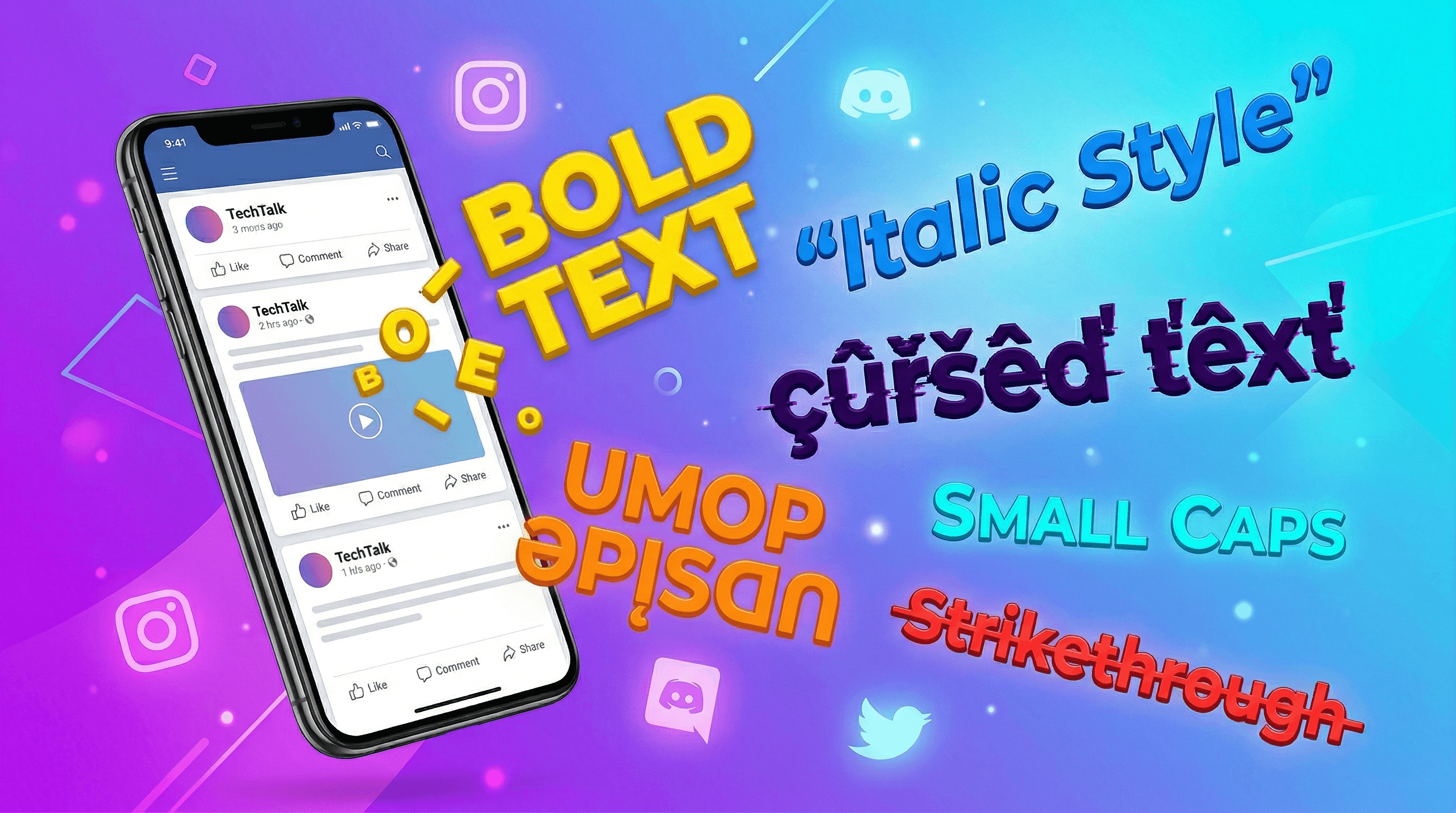
What Are Unicode Text Generators?
Unicode text generators convert regular letters into special Unicode characters that look like bold, italic, cursive, or decorative fonts — but are technically different characters from the Mathematical Alphanumeric Symbols block (U+1D400–U+1D7FF).
Unlike CSS or HTML formatting, these characters travel with your text when you copy and paste. They work everywhere: Instagram bios, Twitter/X posts, Discord messages, Facebook comments, LinkedIn profiles, WhatsApp, Reddit, TikTok, YouTube, and even email subject lines.
This is fundamentally different from platform-specific formatting like Discord markdown or WhatsApp formatting shortcuts. Unicode text is universal — it uses real characters with their own code points in the Unicode standard, not styling metadata.
This guide covers every type of cool text generator available on DevPik, with examples and platform compatibility for each style.
Bold Text Generator — 𝐁𝐨𝐥𝐝 𝐓𝐞𝐱𝐭
The Bold Text Generator converts your text into 17 different styles simultaneously, including:
- Mathematical Bold — 𝐇𝐞𝐥𝐥𝐨
- Sans Bold — 𝗛𝗲𝗹𝗹𝗼
- Bold Italic — 𝑯𝒆𝒍𝒍𝒐
- Double-Struck — ℍ𝕖𝕝𝕝𝕠
- Script — 𝒽ℯ𝓁𝓁ℴ
- Fraktur — ℌ𝔢𝔩𝔩𝔬
- Circled — Ⓗⓔⓛⓛⓞ
- Squared — 🄷🄴🄻🄻🄾
- Negative Squared — 🅷🅴🅻🅻🅾
Bold Unicode text is the most popular way to make Facebook posts, LinkedIn updates, and Instagram captions stand out without any formatting support from the platform. The tool generates all 17 styles in real-time — just type and pick your favorite.
Italics Generator — 𝘐𝘵𝘢𝘭𝘪𝘤 𝘛𝘦𝘹𝘵
The Italics Generator provides 12 italic and fancy text styles including:
- Sans Italic — 𝘐𝘵𝘢𝘭𝘪𝘤
- Math Italic — 𝐼𝑡𝑎𝑙𝑖𝑐
- Bold Italic — 𝑩𝒐𝒍𝒅 𝑰𝒕𝒂𝒍𝒊𝒄
- Sans Bold Italic — 𝙎𝙖𝙣𝙨 𝘽𝙄
- Script — 𝒮𝒸𝓇𝒾𝓅𝓉 (cursive/calligraphy)
- Bold Script — 𝓑𝓸𝓵𝓭 𝓢𝓬𝓻𝓲𝓹𝓉
- Fraktur and Bold Fraktur
- Double-Struck, Monospace, Circled, Underlined
Italic text is perfect for adding emphasis, elegance, or a calligraphic look to your social media profiles and messages. The italic font generator has 14,800 monthly searches — it is one of the most sought-after text effects.
Cursed Text Generator — Z̷̡̛a̸̢l̶̨g̷o̵ T̷̨e̵x̸t̶
The Cursed Text Generator uses Unicode combining diacritical marks to stack characters above, below, and through your text, creating a glitchy, corrupted, zalgo-style effect.
You can adjust intensity from Light (subtle glitch) to EXTREME (maximum chaos). Toggle 'Randomize per character' for a more organic, uneven distortion.
Cursed text is hugely popular on Discord, Minecraft, Roblox, and horror-themed social media posts. Also known as zalgo text, glitch text, void text, or creepy text — it is the go-to effect for spooky aesthetics.
Upside Down Text Generator — uʍop ǝpᴉsdn
The Upside Down Text Generator flips your text using Unicode characters that look like inverted versions of regular letters (a→ɐ, b→q, e→ǝ, t→ʇ).
It supports multiple modes:
- Upside Down — flips characters and reverses order for true upside-down reading
- Backwards — reverses character order
- Flipped Only — maps to flipped characters without reversing
- Mirror — horizontal reversal
Perfect for pranks, puzzles, and creative social media posts that grab attention by looking different from everything else in the feed.
Backwards Text Generator — txeT sdrawkcaB
The Backwards Text Generator reverses your text in 5 different ways:
- Reverse Text — 'Hello World' → 'dlroW olleH'
- Reverse Words — 'Hello World' → 'World Hello'
- Reverse Each Word — 'Hello World' → 'olleH dlroW'
- Mirror Text — uses Unicode mirrored characters (b→d, p→q, R→Я)
- Upside Down + Reversed — flipped text that reads correctly when rotated 180°
Great for secret messages, puzzles, scavenger hunts, and fun social media content. With 14,800 monthly searches, reverse text generators are one of the most popular text tools online.
Small Text Generator — ˢᵐᵃˡˡ ᵗᵉˣᵗ
The Small Text Generator converts your text into superscript and subscript Unicode characters. It provides multiple small text styles including:
- Superscript — ˢᵐᵃˡˡ ᵗᵉˣᵗ
- Small Caps — sᴍᴀʟʟ ᴄᴀᴘs
- Subscript — ₛₘₐₗₗ ₜₑₓₜ
Small text is commonly used in Instagram bios, Twitter display names, aesthetic text layouts, and anywhere you want text to look compact and stylish.
Strikethrough Text Generator — S̶t̶r̶i̶k̶e̶t̶h̶r̶o̶u̶g̶h̶
The Strikethrough Text Generator creates crossed-out text using Unicode combining characters.
While some platforms like Discord support markdown strikethrough (~~text~~), Unicode strikethrough works everywhere — including platforms with no formatting support. Perfect for showing edits, corrections, dramatic effect, or humor in social media posts.
For a deep dive on strikethrough text across platforms, read our complete strikethrough guide.
Unicode Text Converter — Full Font Library
The Unicode Text Converter is the master tool that gives you access to every Unicode text style in one place. If you want maximum variety and want to browse all available styles at once, this is the tool to use.
For more background on how Unicode text effects work across social platforms, check out our Unicode text effects guide.
Platform Compatibility: Where Fancy Text Works
Not every Unicode text effect works perfectly on every platform. Here is a general compatibility overview:
Instagram — Bold, italic, script, small text, cursed, upside down, backwards, and strikethrough all work in bios, captions, and comments. Instagram renders Unicode characters reliably.
Twitter/X — All Unicode text styles work in tweets, bios, and display names. Twitter has excellent Unicode support.
Discord — Full support for all Unicode text effects in messages, usernames, server names, and channel descriptions. Discord also has native markdown, but Unicode text works in places markdown does not.
Facebook — Bold and italic Unicode work well in posts and comments. Cursed text with heavy intensity may render inconsistently on some devices.
LinkedIn — Bold and italic Unicode are the most popular for LinkedIn posts, headlines, and profile summaries. More exotic styles like cursed text are less appropriate for professional contexts.
WhatsApp — All Unicode text styles work in messages. WhatsApp also has native formatting (bold, italic, strikethrough, monospace).
Reddit — Unicode text works in posts, comments, and usernames. Reddit also supports markdown formatting.
YouTube — Unicode text works in comments, channel names, and video titles.
TikTok — Unicode text works in bios and comments. Bold and italic styles are the most commonly used.
Telegram — Full Unicode support in messages, usernames, and channel descriptions.
Tips for Using Fancy Text Effectively
While Unicode text generators are powerful, use them wisely:
- Use sparingly for impact — A bold headline in a LinkedIn post or an italic phrase in an Instagram bio is effective. An entire paragraph in cursed text is unreadable.
- Consider accessibility — Screen readers may struggle with some Unicode mathematical symbols. Avoid using fancy text for critical information that needs to be accessible to everyone.
- Match the platform — Bold and italic work great on LinkedIn and Facebook. Cursed and upside-down text shine on Discord and gaming platforms. Small text fits perfectly in Instagram bios.
- Test before posting — Copy your fancy text and paste it into the platform to preview how it looks before publishing.
- Do not use for SEO — Search engines treat Unicode mathematical symbols as different characters. Use proper HTML tags for web content and save Unicode text for social media.
Why DevPik for Text Generators
DevPik provides all these text generators in one place, with several advantages over other fancy font generator sites:
- 100% client-side — Your text never leaves your browser. Complete privacy guaranteed.
- No ads — Clean, distraction-free interface.
- No signup — Use every tool immediately, no account required.
- No limits — Generate as much text as you want, as often as you want.
- Multiple styles at once — Every tool generates all available styles simultaneously so you can compare and pick.
- Free forever — No premium tiers, no hidden fees.
All DevPik text generators run 100% client-side — your text never leaves your browser. No ads, no signup, no limits. Try our 40+ free developer tools.