The short answer
Ollama is a command-line daemon. LM Studio is a desktop app. Both run open-weight models on your own hardware, both are free, and the choice comes down to whether you want to script local inference or use it.
The fast version:
- Pick Ollama if you are writing code that calls a local model, deploying in Docker, serving concurrent requests, or running headless on a server.
- Pick LM Studio if you want to browse and compare models visually, chat interactively, tune parameters without reading docs, or you are on Apple Silicon and want the fastest inference with no configuration.
- Run both — they coexist fine, and many people do exactly that: LM Studio to find and evaluate a model, Ollama to serve it in an application.
The 2026 wrinkle is that neither is purely a local runtime anymore. LM Studio shipped Bionic, a full agent product, in July 2026, and both now offer cloud offload for models too large for your machine. That changes the comparison meaningfully, and most guides have not caught up.
The architectural difference
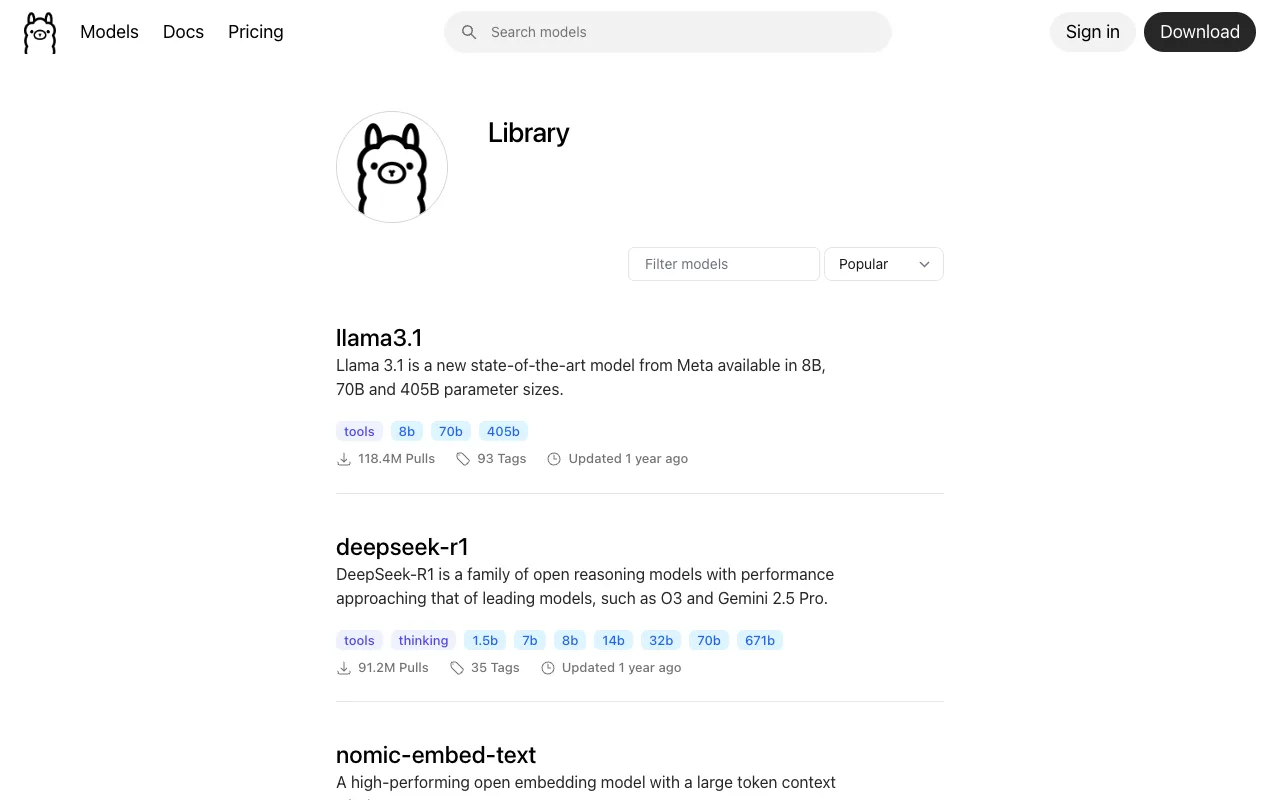
Ollama is a Go daemon with a REST API. You install it, it runs as a background service, and it exposes an OpenAI-compatible endpoint on localhost:11434. There is no window to open. You interact with it through ollama run, through curl, or through whatever application you point at the port.
LM Studio is an Electron desktop application. You launch it, browse a catalog, download a model, and chat with it in a GUI. It also exposes a local server when you want one, but the app is the primary surface rather than an afterthought.
That difference propagates into everything else, including a measurable one: idle memory footprint. Ollama sits at roughly 100–200 MB when not actively generating. LM Studio uses 300–600 MB just to keep the interface alive. On a 16 GB laptop where you are trying to fit a 13B model, several hundred megabytes of Electron is not free — it is roughly the difference between fitting a larger quantization and not.
The reverse is also true, and often understated: the GUI is doing real work. Configuring context length, GPU offload, and sampling parameters in Ollama means editing Modelfiles or passing flags. In LM Studio it is a slider.
RAM and hardware — what will actually run
This is the question that decides more than the tooling does. Neither app makes a model fit that does not fit.
| Model size | Quantization | RAM / VRAM needed |
|---|---|---|
| 7B | Q4 | ~5–6 GB |
| 13B | Q4 | ~9–10 GB |
| 30B | Q4 | ~18–20 GB |
| 70B | Q4 | 40–48 GB |
Practical thresholds: 8 GB is the minimum for anything useful (7B at Q4, and it will be tight). 16 GB comfortably runs 7B–13B. 32 GB or a 16 GB+ VRAM GPU is where 30B-class models become realistic. 70B at home needs serious hardware regardless of which runtime you choose.
Two things worth knowing before you pick:
LM Studio tells you what fits before you download. Its catalog shows per-file green/red indicators against your actual system memory. That sounds trivial and is not — it prevents the common beginner cycle of downloading 40 GB, discovering it thrashes, and starting over. Ollama gives you no such warning; you pull and find out.
LM Studio has per-layer GPU offload. A slider lets you push exactly 28 of 40 layers onto the GPU and leave the rest in system RAM. Ollama's handling is closer to all-or-nothing. On a machine that is almost big enough for the model you want, that granularity is the whole difference between usable and not.
If cost is what pushed you toward local inference in the first place, that motivation is only strengthening — see our write-up on DeepSeek's API price increase, where a provider that undercut everyone is now correcting upward.
Where LM Studio wins
Model discovery. A searchable catalog of 1,000+ preconfigured models with parameter counts, quantization options, and compatibility badges, plus Hugging Face search inside the app. Compared with reading model cards in a browser and pulling by name, it is a genuinely faster loop.
Apple Silicon performance. On Macs, LM Studio defaults to MLX-format models where available. MLX uses Apple's unified memory more efficiently than GGUF, so on an M-series machine you often get better tokens-per-second out of the box with zero configuration.
Visual parameter tuning. Context length, temperature, top-p, system prompt, GPU offload — all exposed as controls rather than config files.
Bionic, as of July 2026. LM Studio shipped a standalone agent app built on open models. It handles Code projects for repositories and Work projects for documents, PDFs, slide decks and spreadsheets, does on-device voice transcription, and can offload heavy jobs to a Secure Cloud of frontier open weights with zero data retention by default. The app and local models are free; cloud models bill pay-as-you-go. Mac and Windows.
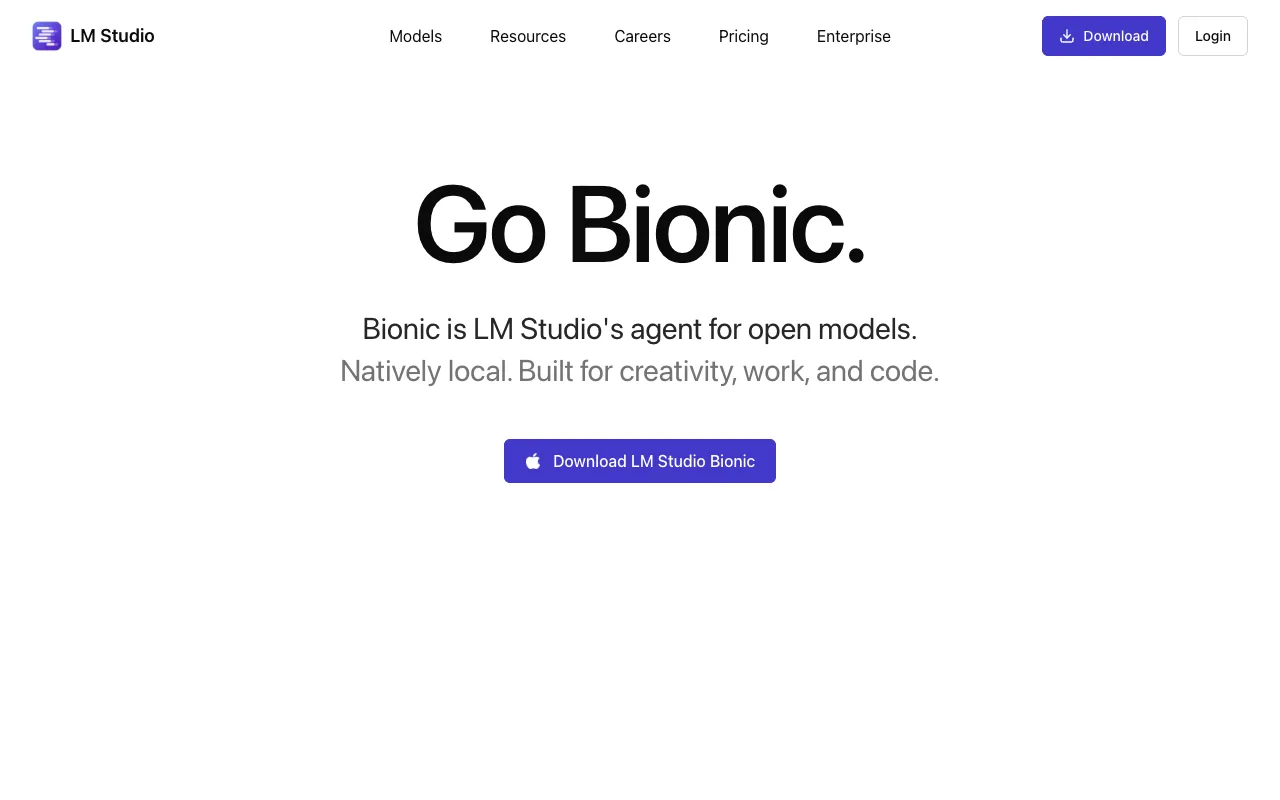
That last one matters for the comparison. LM Studio is no longer positioning itself as "the GUI alternative to Ollama" — it is competing on agent workflows, which is a different product category.
Where Ollama wins
It is genuinely open source. Ollama is MIT-licensed — read it, fork it, vendor it, ship it. LM Studio is proprietary software from Element Labs. It has been free for personal and commercial use since 8 July 2025 with no form to fill in, but the application is closed-source and redistribution and reverse engineering are forbidden. Its MLX engine and lms CLI are separately MIT; the app tying them together is not.
For most individuals that distinction is academic. For a company with a policy on third-party closed-source binaries touching internal code, it is the entire decision.
Headless operation. The API starts automatically as a background service with no GUI required, which means Docker containers, remote servers over SSH, and CI jobs. LM Studio needs a desktop session.
Scripting and composition. Being a CLI, Ollama drops into shell pipelines, Makefiles, cron jobs, and agent harnesses without ceremony. Our Codex + Ollama guide walks through pointing a coding agent at it, including the wire_api setting that silently breaks setups.
Concurrent serving. If several clients hit the same local model, Ollama is built for it. LM Studio's server is aimed at one user on one machine.
Lower overhead. The 100–200 MB idle footprint, again — meaningful on constrained hardware.
The 2026 shift: both went hybrid
The old framing — local tools versus cloud APIs — has broken down, and both products now straddle the line.
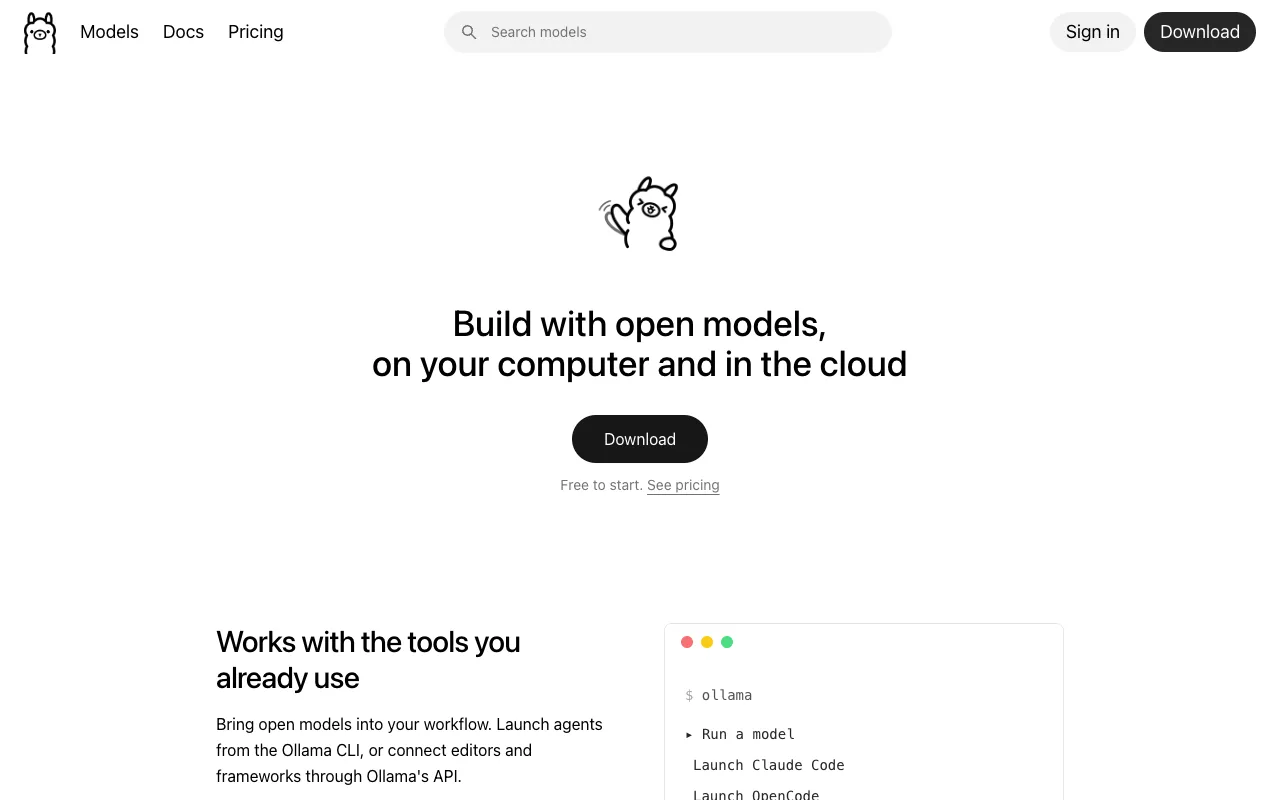
Ollama Cloud runs larger open models on Ollama's GPUs, addressed with a :cloud suffix on the model name, so the same CLI and the same API serve local and remote models interchangeably. There is a free tier, metered on GPU time rather than tokens.
LM Studio's Secure Cloud, introduced with Bionic, offloads heavy jobs to frontier open weights with zero data retention by default, billed as pay-as-you-go credits.
The practical consequence: "can my laptop run it" is no longer the constraint it was. You can develop against a 7B model locally and burst to a 200B+ open model without changing tooling or handing your data to a closed-model provider. If your reason for going local was privacy rather than cost, read the data-retention terms of both cloud tiers carefully — the local-first framing does not automatically extend to the offload path.
Worth pairing with the model side of this decision: DeepSeek V4 Flash is MIT-licensed at 166.9 GB, which is exactly the class of model that is impractical locally but trivial through either cloud tier.
Which should you pick?
| Your situation | Pick |
|---|---|
| Writing code that calls a local model | Ollama — REST API, no GUI dependency |
| Deploying in Docker or on a headless server | Ollama — LM Studio needs a desktop session |
| First time running a local model | LM Studio — the catalog tells you what fits |
| On an M-series Mac, want speed with no setup | LM Studio — MLX by default |
| Company forbids closed-source binaries | Ollama — MIT vs proprietary |
| Comparing several models before committing | LM Studio — much faster evaluation loop |
| Serving concurrent requests | Ollama — built for it |
| Machine is just short of the model you want | LM Studio — per-layer GPU offload |
| You want an agent over local models | LM Studio Bionic — no direct Ollama equivalent |
| Tight on RAM | Ollama — 100–200 MB idle vs 300–600 MB |
The pragmatic answer is both, and they do not conflict. Use LM Studio to browse, benchmark, and pick a model with real feedback on what your hardware can handle. Then pull that model in Ollama and serve it to whatever you are actually building. Evaluation and production are different jobs, and each tool is better at one of them.
One caveat if you run both: they each want a local server port. Ollama defaults to 11434, LM Studio's server to 1234. They do not collide out of the box, but if you have changed either, check before debugging a connection refused error for an hour.
Verdict, and sources
Ollama is infrastructure. LM Studio is a workbench. Reviews that declare a winner are usually comparing them at one specific task and generalising from it.
If you are a developer building something that talks to a model, Ollama's MIT licence, headless operation, and scriptability make it the default, and its GUI gap is irrelevant because you were never going to open a window. If you are exploring what open models can do, LM Studio's catalog, hardware-aware download indicators, and MLX performance will save you hours, and its closed-source licence probably does not affect you.
The genuinely new consideration for 2026 is Bionic. LM Studio has moved from "runtime with a nice interface" into agent territory, and Ollama has no equivalent. If local-first agent workflows are what you want, that gap is currently decisive.
Sources
- Ollama and the Ollama model library — CLI daemon, model catalog, MIT licence
- LM Studio — desktop app, catalog, MLX support
- LM Studio — Introducing Bionic — agent launch, July 16 2026, Secure Cloud and pricing
- Contabo — Ollama vs LM Studio 2026 — runtime comparison
- SitePoint — LM Studio vs Ollama — feature and workflow breakdown
Verified against both projects' own sites on August 12, 2026. Local AI tooling moves quickly — check current licence terms before deploying either commercially.